Affiliate disclosure: As an Amazon Associate I earn from qualifying purchases. You never pay extra.

Hands-on desk gear

Real gear.
Real desk.
No hype.

Gaming gear I have actually used, photographed at home and broken down for people who just want to know what is worth a look.

  • Personally owned
  • Original photos
  • Honest tradeoffs

Guide principles

On my desk now

Start with the gear,
not the sales pitch.

These are the exact product families shown in my photos. I focus on the deciding details - the parts that actually change how your setup feels every day.

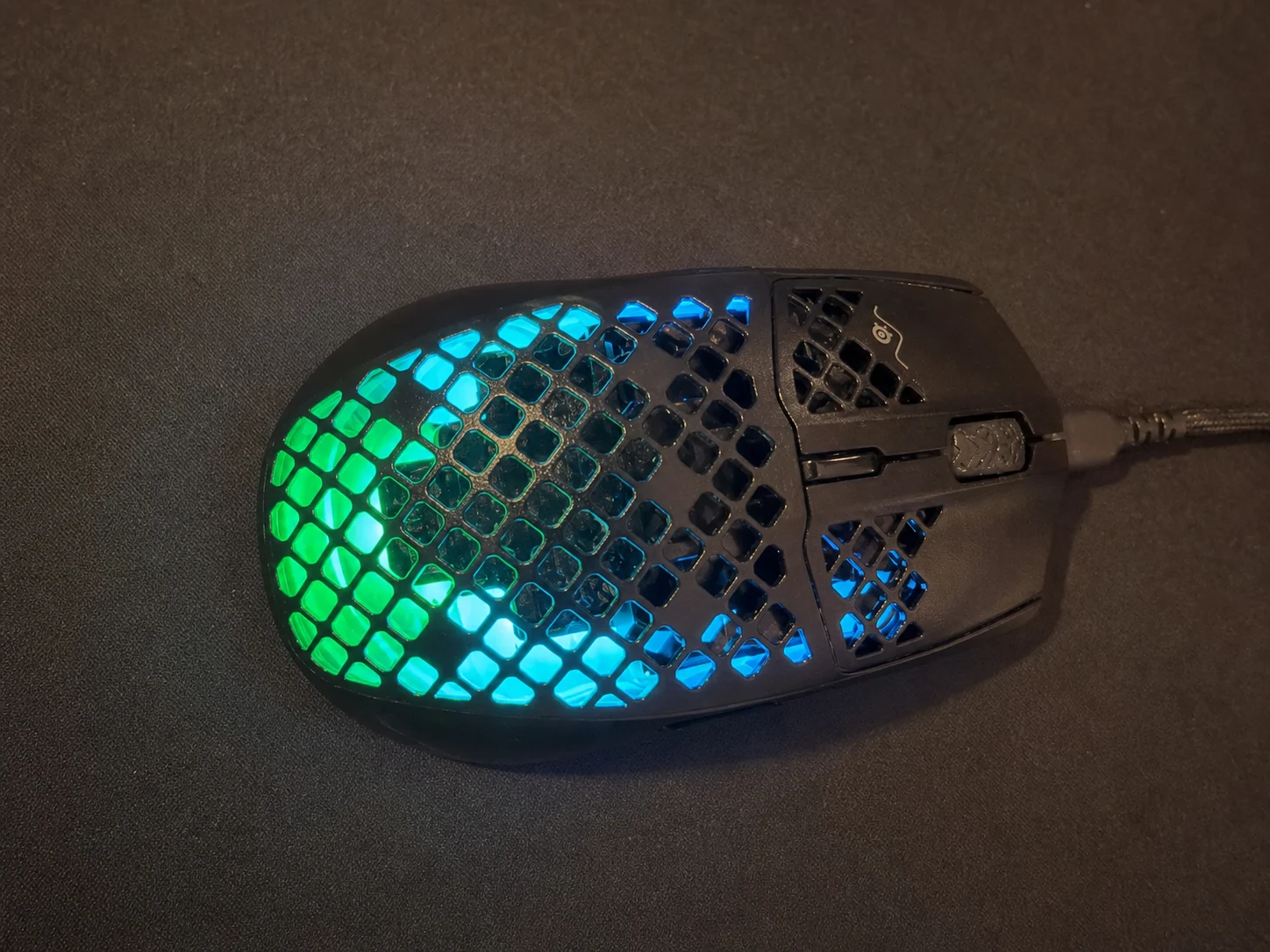
SteelSeries Aerox 3 wired gaming mouse with cyan and green RGB lighting on a dark desk mat
My actual mouse

Lightweight movement

SteelSeries
Aerox 3 Wired

A 59-gram wired gaming mouse with a honeycomb shell, three-zone RGB, a TrueMove Core sensor, and a simple six-button layout.

59 g
ultralight body
8,500
maximum counts per inch
IP54
dust and splash protection
Check it on Amazon

Price and availability can change.

Full control, tighter footprint

Corsair
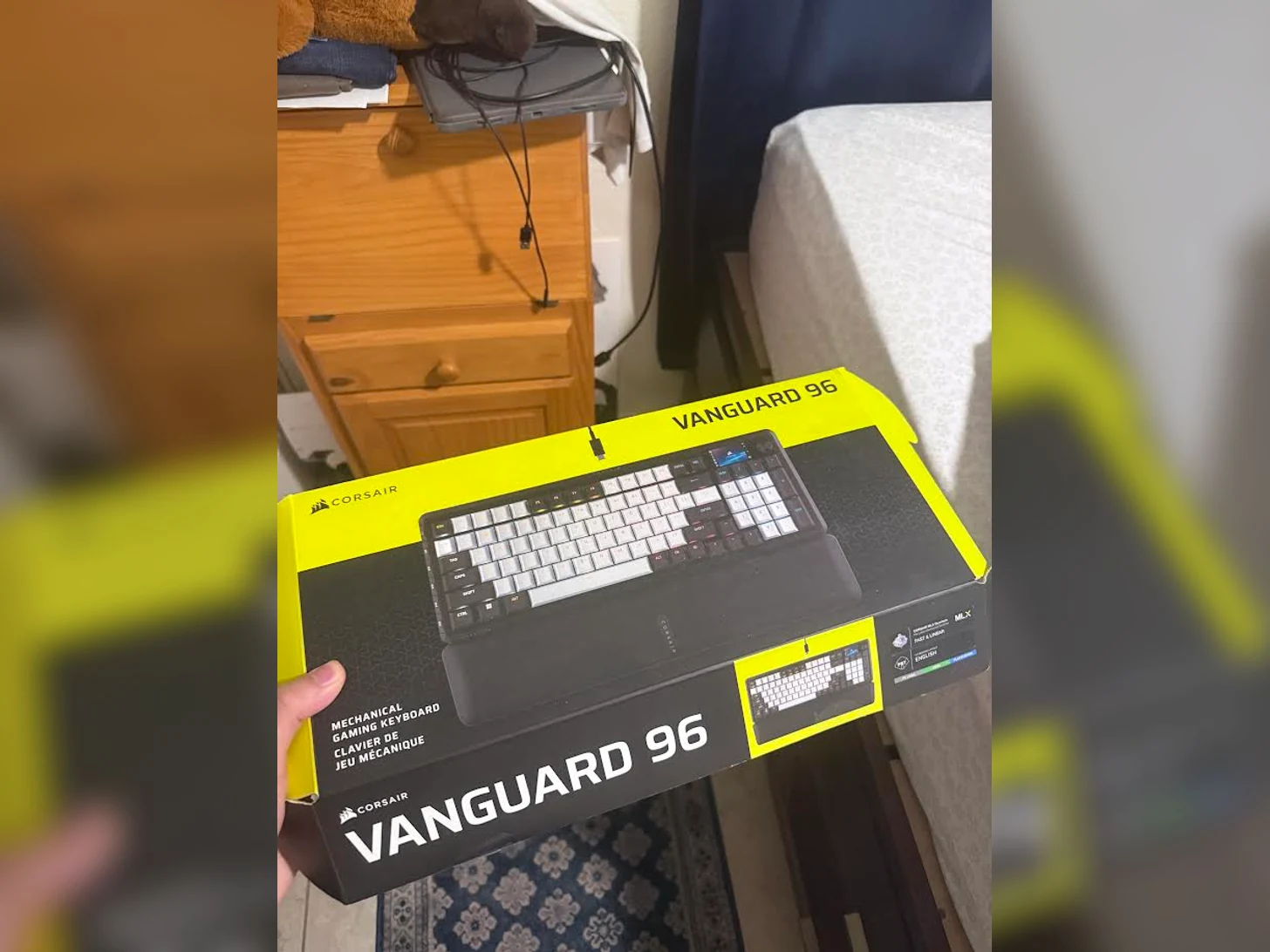
Vanguard 96

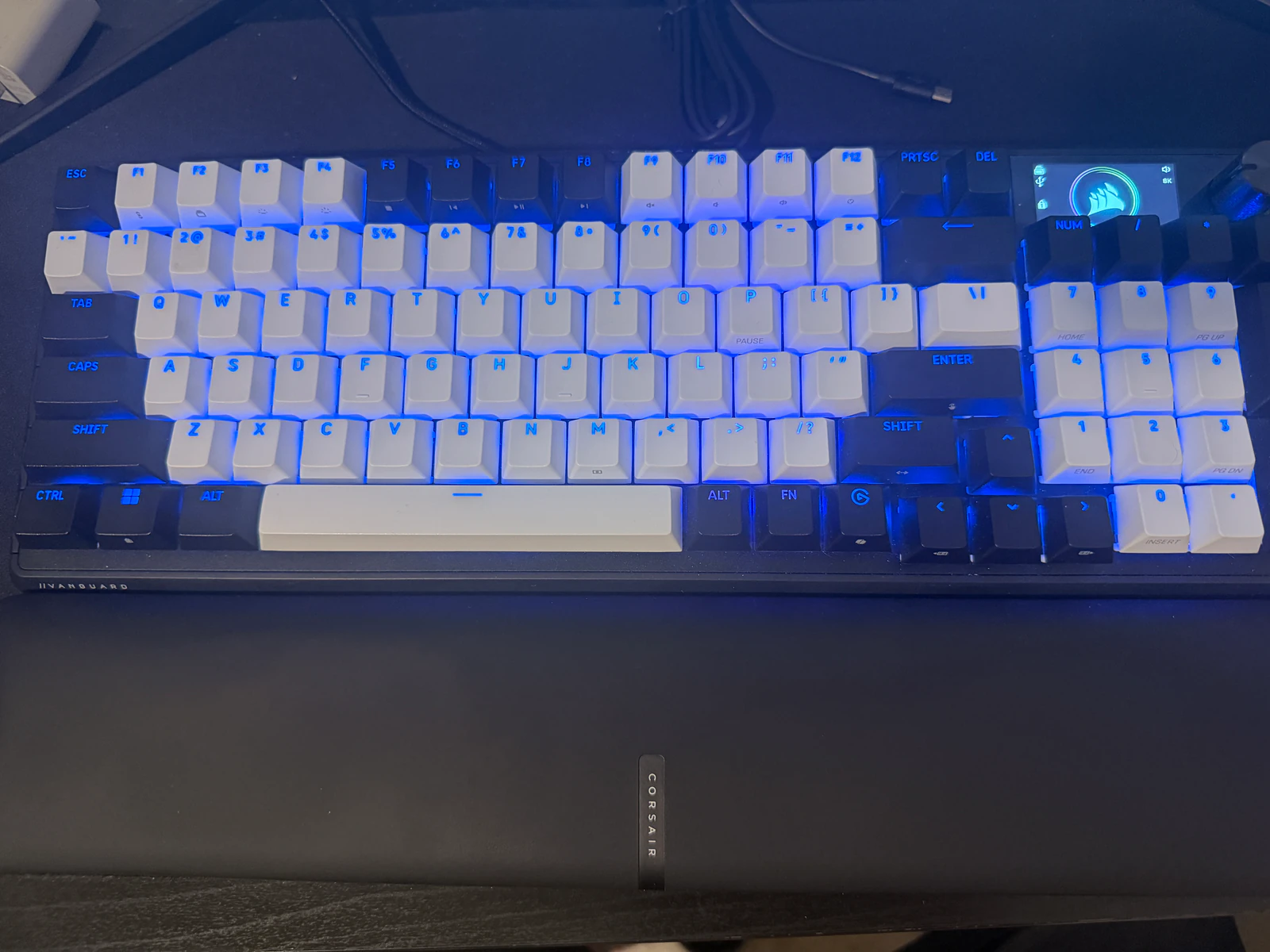
A wired mechanical board that keeps the number pad while adding an LCD screen, rotary dial, programmable G-keys, and per-key RGB.

96%
compact layout
1.9 in
color LCD screen
8,000 Hz
maximum polling rate
Check it on Amazon

Price and availability can change.

Corsair Vanguard 96 mechanical keyboard with wrist rest, number pad, LCD screen, and blue RGB lighting
My actual keyboard

Four headsets tested

My favorite versus
what I use now.

I compared four gaming headsets I have actually used. The HyperX Cloud II is my value-and-volume favorite; the Logitech G733 is my current wireless pick.

Read the full headset comparison
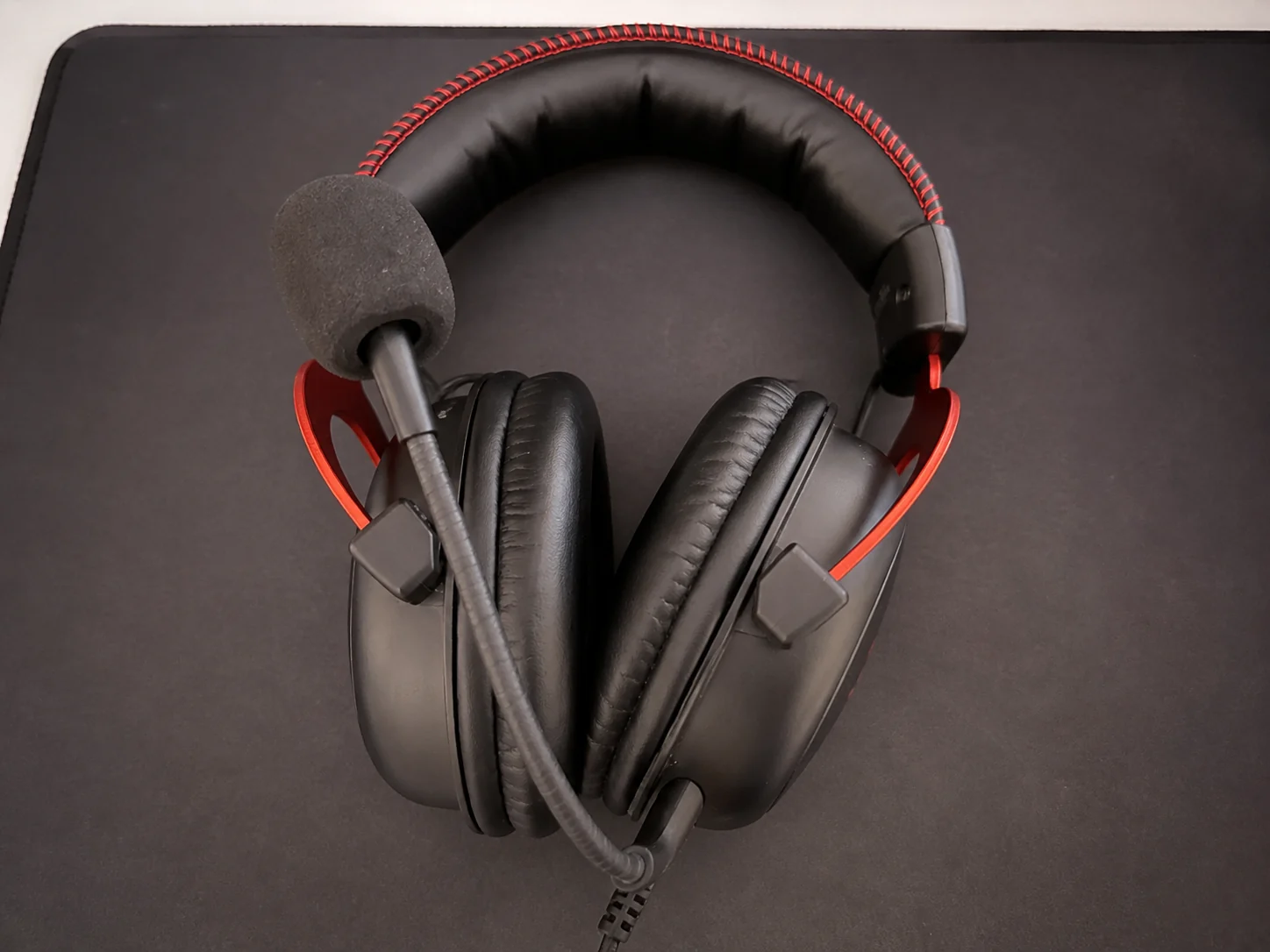
Black and red HyperX Cloud II wired gaming headset with boom microphone
My overall favorite

Best value + louder sound

HyperX Cloud II

Comfortable for the price and louder than my G733, with a weaker mic and a cable to manage.

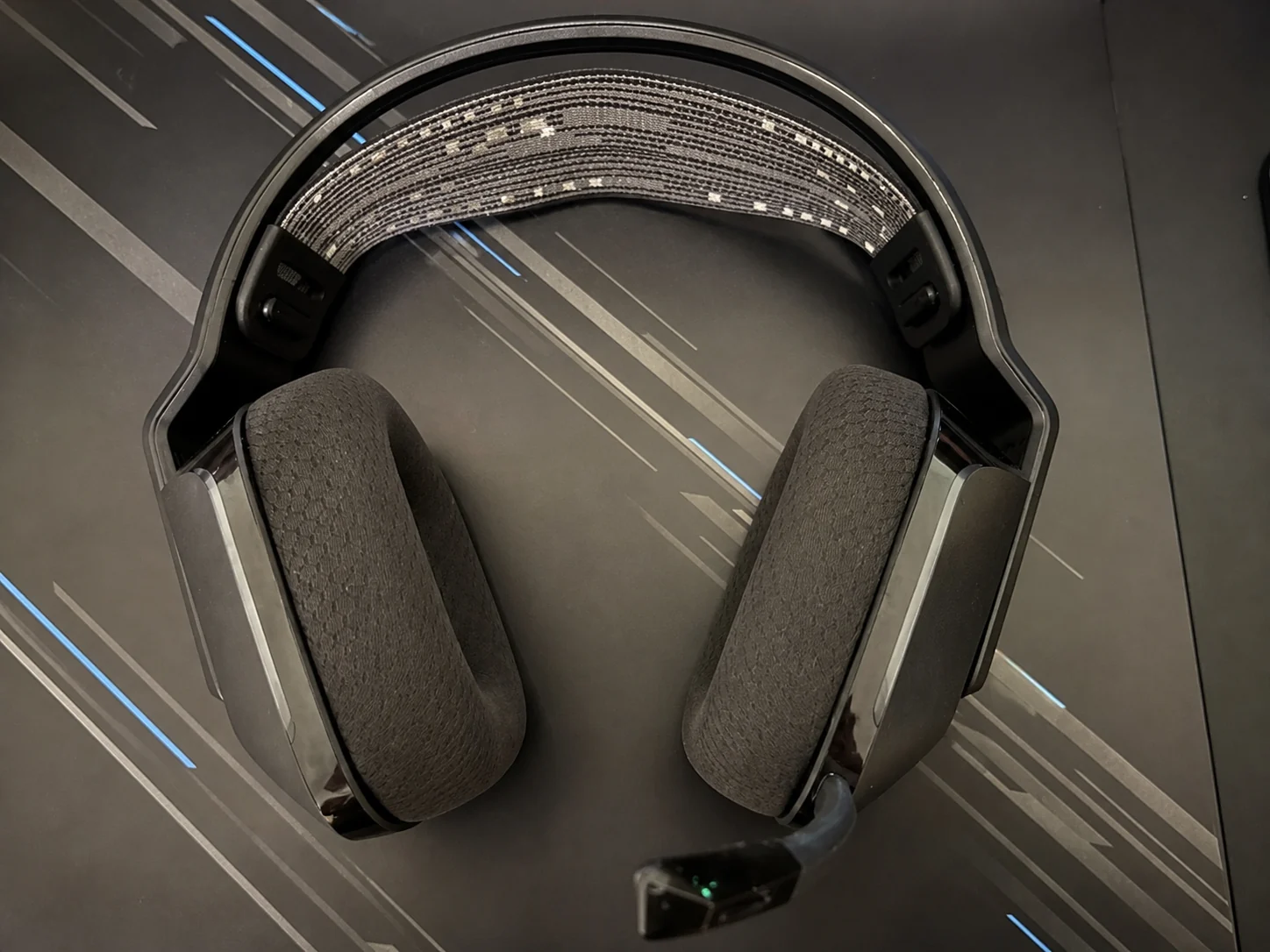
Black and gray Logitech G733 wireless gaming headset with patterned suspension band
What I use now

Best wireless experience

Logitech G733

Very comfortable, wireless, and easy to tune—but full volume still feels too quiet for me.

Compare all four headsets

At a glance

Two upgrades.
Two clear jobs.

Neither product replaces the other. This is simply the fastest way to see which part of your setup you want to improve first.

On small screens, this comparison table can be scrolled horizontally.

Comparison of the SteelSeries Aerox 3 and Corsair Vanguard 96
What matters Aerox 3 Vanguard 96
Best forFast mouse movementMore control in less space
ConnectionWired USB-CWired, detachable USB-C
Standout feature59-gram honeycomb designLCD, dial, number pad, and G-keys
Think twice if...You cannot stand a mouse cableYou want a minimal 60% board
See the listingAerox 3 on Amazon (opens in a new tab)Vanguard 96 on Amazon (opens in a new tab)

The DeskProof rule

If it is not on my desk,
it does not lead the guide.

This site starts with products I can photograph and explain from real ownership. Specs help, but the deciding question is always: what tradeoff will you notice after the box is gone?

  1. Own the gear

    Real products, not a copied catalog.

  2. Show the setup

    Original desk photos over generic stock imagery.

  3. Name the downside

    A useful recommendation includes who should skip it.

Access for everyone

Accessibility at DeskProof

DeskProof is designed to conform to WCAG 2.2 Level AA. The site is tested for keyboard use, visible focus, meaningful headings and alternative text, color contrast, reduced motion, and browser zoom.

Accessibility is an ongoing practice. If you encounter a barrier, please message the DeskProof social account that shared this page and include the section, device, browser, and assistive technology you were using. Last reviewed August 12, 2026.
Pick your first upgrade

Better gear starts with
one honest choice.